

The Significance of Dark Mode Web Design in Modern Websites
- Agency Original™ Web Design Studio

- Jun 14, 2024
- 2 min read
Updated: Jun 15, 2024
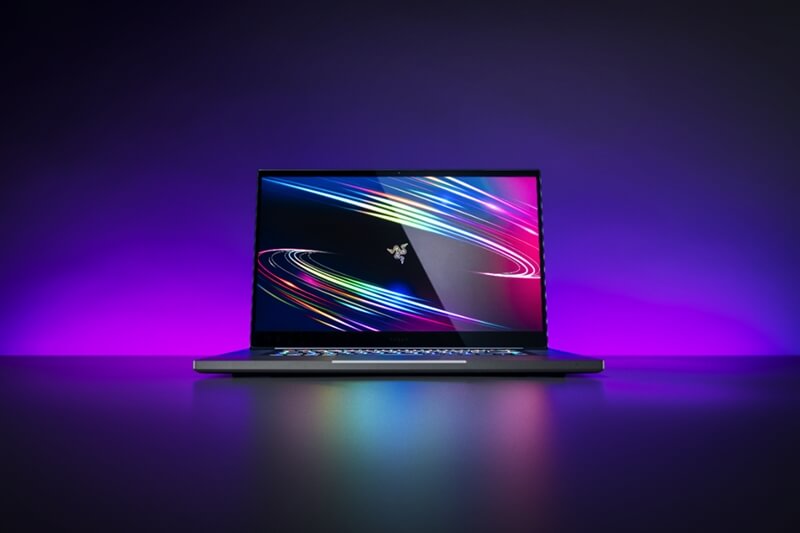
Introduction to Dark Mode Web Design
Web design plays a crucial role in creating engaging and user-friendly websites. One emerging trend in web design is Dark Mode, which offers a sleek and modern aesthetic while reducing eye strain in low-light environments. By embracing Dark Mode, websites can enhance visual appeal and provide a more comfortable browsing experience for users. This design choice is not only stylish but also practical, making it easier for users to navigate content and focus on key information. As the digital landscape evolves, understanding and implementing Dark Mode becomes essential for staying at the forefront of web design trends.
Benefits of Dark Mode Web Design
Dark Mode Web Design not only looks sleek and modern but also offers several benefits. It reduces eye strain and fatigue, especially when using devices in low light conditions. Dark Mode can also increase battery life for devices with OLED screens, saving power by displaying fewer bright pixels. Additionally, some users find dark backgrounds more visually appealing and easier on the eyes, leading to a more comfortable browsing experience. Implementing Dark Mode on websites can improve accessibility and cater to a wider range of user preferences, ultimately enhancing the overall user experience.
Tips for Implementing Dark Mode on Websites
When it comes to implementing dark mode on websites, it's essential to consider user experience and design aesthetics. Ensure that the colour scheme is easy on the eyes and provides enough contrast for readability. Make sure to test the dark mode across different devices and browsers to ensure compatibility and functionality. Additionally, consider adding a toggle option for users to switch between light and dark modes based on their preferences. By following these tips, you can create a seamless dark mode experience for your website visitors.
Best Practices for Designing Dark Mode Interfaces
When designing dark mode interfaces, it's crucial to focus on contrast. High contrast between text and background ensures readability and usability for users. Use lighter shades for text and vibrant colours for accents to create a visually appealing design. Additionally, consider accessibility by providing options for users to switch between light and dark modes based on their preferences. Maintaining consistency in design elements and colours across both modes is key to providing a seamless user experience. Remember to test your dark mode design across various devices and screen sizes to ensure it remains effective and visually pleasing. By following these best practices, you can create a captivating and user-friendly dark mode interface for your website.
Best Practices for Designing Dark Mode Interfaces
When designing interfaces for dark mode, it's essential to consider contrast, readability, and accessibility. Choose colours that provide enough contrast between text and background to ensure readability. Avoid using bright colours that may cause discomfort in dark mode settings. Test your designs in various lighting conditions to make sure they remain clear and legible. Additionally, incorporate user preferences for toggling between light and dark modes to enhance the overall user experience.


